Apple Home in 2026 - New Architecture, Robot Vacuums and Better Matter Support
Apple retired its old Home architecture in February 2026 and introduced robot vacuum support, Activity History, and improved Matter integration. Here's what you need to know.
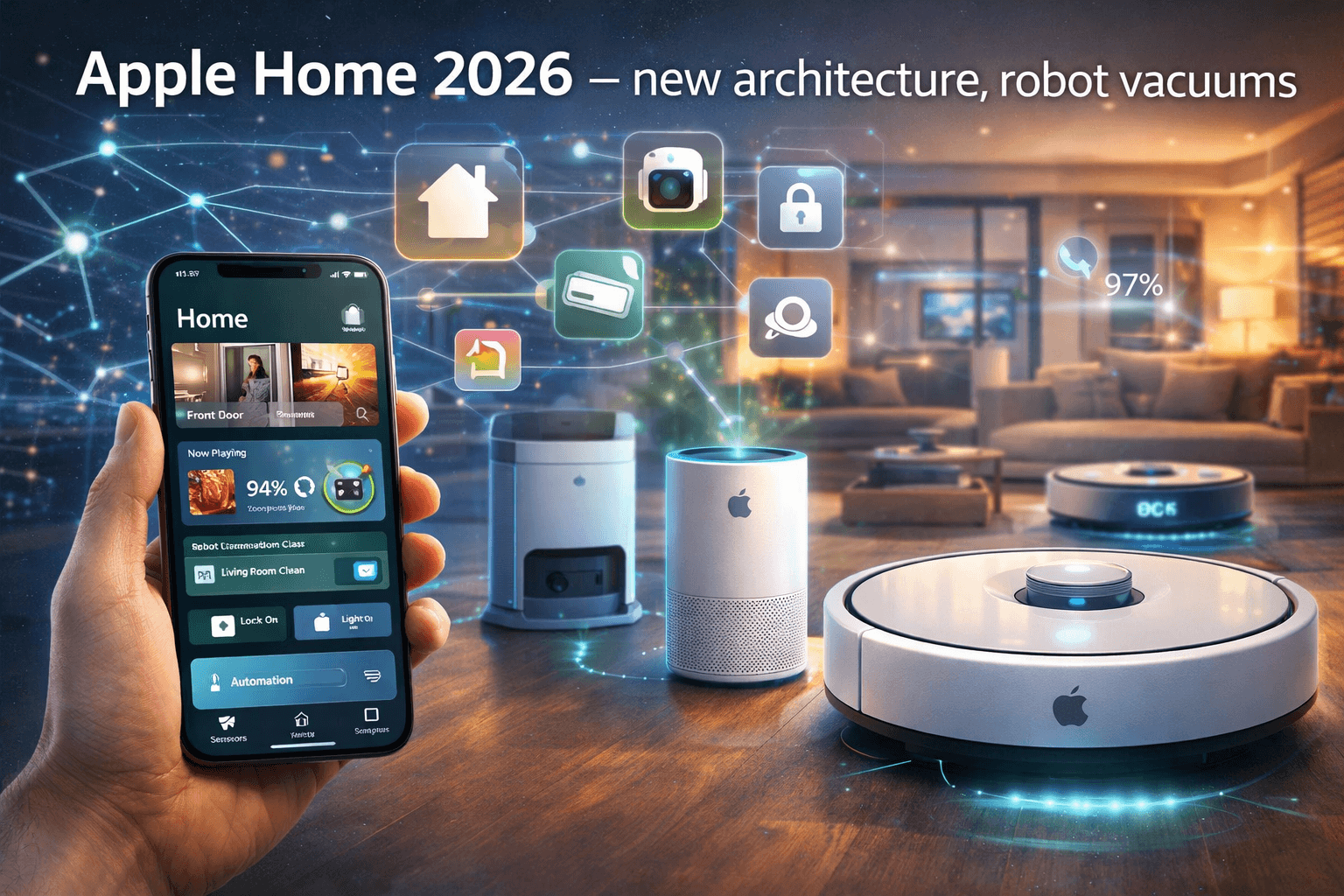
Apple retired its old Home architecture in February 2026 and introduced robot vacuum support, Activity History, and improved Matter integration. Here's what you need to know.
Apple Home in 2026 - New Architecture, Robot Vacuums and Better Matter Support
On February 10, 2026, Apple pulled the plug on its legacy Home architecture. Anyone who hadn't upgraded found their automations and remote access partially broken overnight. Not ideal, but the new system is a genuine step forward.
The updates arriving with iOS 18.4 - particularly robot vacuum support and improved Matter integration - deliver features Apple Home users have been asking for.
> Important note: The new architecture requires updating your Apple Home Hub (Apple TV or HomePod) and all Apple devices to the latest software versions.
What the New Architecture Brings
| Feature | Old Architecture | New Architecture |
|---|---|---|
| Guest access | Not available | Guests get limited device control |
| Activity History | Not available | Detailed log in the Home app |
| Robot vacuums | Not supported | Full support |
| Device performance | Slower | Improved response times |
| Matter support | Limited | Expanded |
Robot Vacuums in Apple Home
This is the biggest Apple Home addition in 2026. With iOS 18.4, Matter-compatible robot vacuums integrate fully into the Apple Home ecosystem.
What you can do from the Home app:Compatible Robot Vacuums (early 2026)
| Manufacturer | Models | Matter Support |
|---|---|---|
| SwitchBot | Matter-certified models | Yes |
| Eufy | Omni S2 (announced at CES 2026) | Yes |
| Roborock | Saros series, Qrevo Curv | Yes |
> Note: Matter robot vacuum support is still new, so the list of compatible models will grow throughout 2026.
Migration Checklist
Update Your Home Hub
You'll need:
Common Issues After Migration
| Problem | Solution |
|---|---|
| Older HomeKit devices stop working | Update firmware via the manufacturer's app |
| Automations disappeared | Recreate them after migration |
| Thread devices offline | Border Router update needed |
| Slow device response | Restart your network after migration |
Apple Home vs. the Competition in 2026
| Aspect | Apple Home | Google Home | Amazon Alexa | Home Assistant |
|---|---|---|---|---|
| Privacy | Excellent | Moderate | Weak | Excellent (local) |
| Setup | Simple | Simple | Simple | Advanced |
| Automation | Limited | Moderate | Moderate | Unlimited |
| Device support | Matter + HomeKit | Matter + Works with Google | Matter + Alexa | 2000+ integrations |
| Robot vacuums | New (Matter) | Yes | Yes | Yes |
| Subscription | None | None | None (ads) | None (Cloud optional) |
Who Should Use Apple Home?
---
Need Help With Your Apple Home Setup?
Not sure how to migrate to the new architecture or which devices to choose? We offer a free consultation to help you plan and set up your complete Apple Home ecosystem.
Get expert helpRelated Articles
Interested in smart home implementation?
Request a free quote and consultation from our experts!
Free Quote →