Network Requirements for Access Control and Entry Systems 2025
IP video intercom, smart lock and video doorbell network requirements. Installation guide for 2N, Hikvision and Nuki systems.
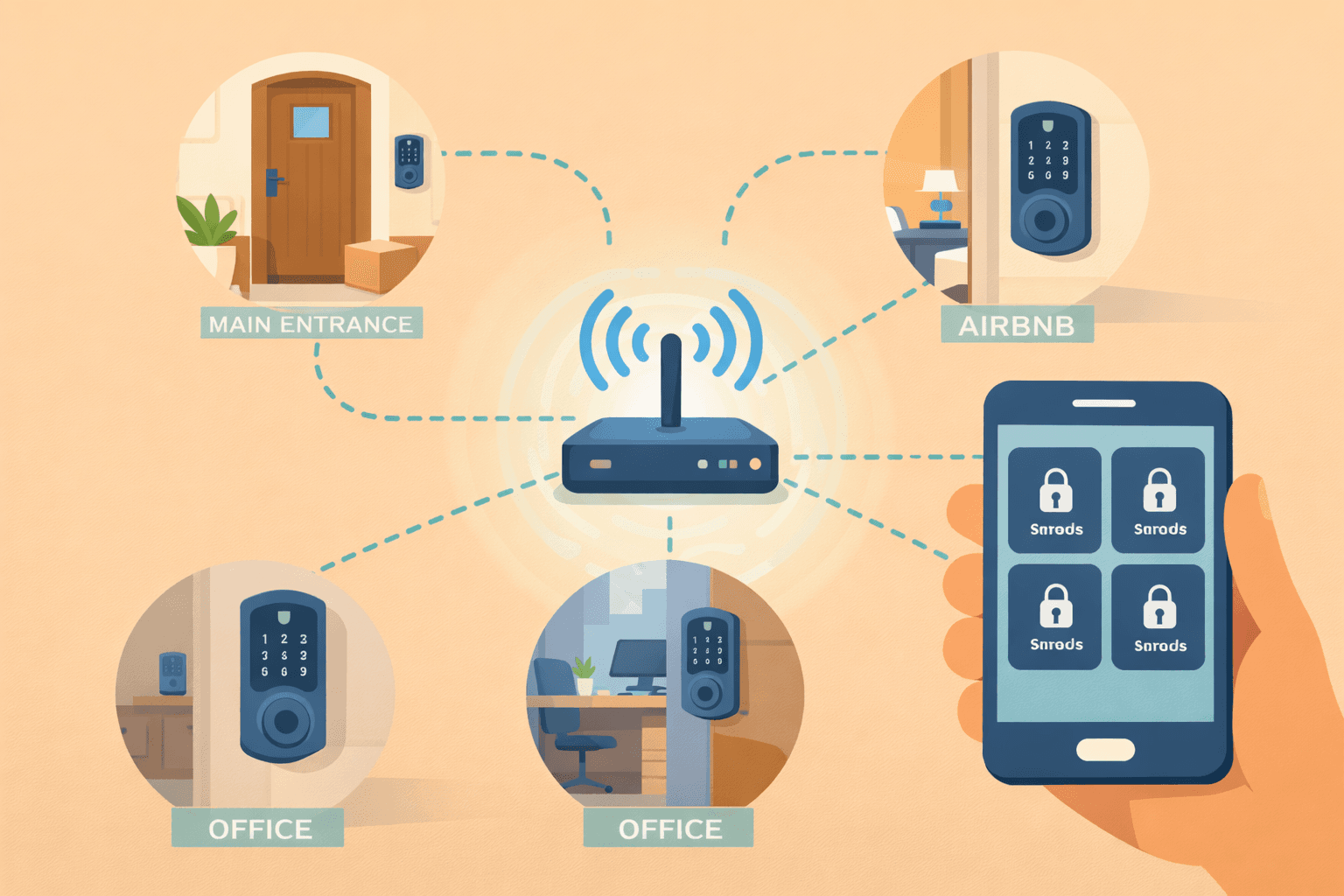
IP video intercom, smart lock and video doorbell network requirements. Installation guide for 2N, Hikvision and Nuki systems.
Network Requirements for Access Control and Entry Systems 2025
For access control systems, reliability is not optional, it's a basic requirement. If the intercom doesn't work, guests can't enter. If the smart lock is offline, you can't open the door. In this guide, we'll show you how to design a network that guarantees continuous operation of your access control system.
> Important note: The specifications in this article are for informational purposes. The exact system plan will be prepared during an individual consultation based on the property and requirements.
Quick Comparison - Access Control Devices
| Device type | Network | Power | Bandwidth |
|---|---|---|---|
| IP video intercom | Ethernet (PoE) | PoE/PoE+ | 2-5 Mbps |
| Smart lock (WiFi) | WiFi 2.4 GHz | Battery | < 1 Mbps |
| Smart lock (Thread) | Thread mesh | Battery | < 0.5 Mbps |
| Video doorbell | WiFi 5 GHz | Adapter/battery | 2-4 Mbps |
| Access panel | Ethernet | PoE | < 1 Mbps |
1. Why Network is Critical for Access Control?
Availability = Security
For access control systems, availability is critical:
| Situation | Consequence |
|---|---|
| Intercom offline | Guests can't ring |
| Smart lock not responding | Can't get in |
| Video doorbell no signal | Can't see who's at the door |
| Access panel offline | Employees can't enter |
Handling Internet Outages
What does the system do without internet?| Device | Offline operation |
|---|---|
| Most IP intercoms | Local calls work, app doesn't |
| Smart locks | PIN code and key work |
| Video doorbell | Doesn't work (cloud-dependent) |
| Professional access control | Fully works locally |
> Recommendation: At critical points, always have a backup entry method (PIN code, physical key).
2. IP Video Intercom Network Requirements
Popular Manufacturers and Requirements
2N IP Intercoms 2N is the market leader for professional IP intercoms in Europe. 2N IP Verso:> ⚠️ Important: The 2N IP Style requires PoE+ (802.3at) power for full functionality. With standard PoE, it only operates in "Low Power Mode."
2N Network Recommendations:IP Intercom Network Architecture
Recommended setup:| Network Layer | Components | Notes |
|---|---|---|
| Internet | WAN connection | For external access |
| Router | Main router/firewall | With VLAN support |
| VLAN 1 | Home network | Phones, laptops |
| VLAN 10 | Intercom network | PoE Switch → 2N/Hikvision intercom + Indoor monitor |
| VLAN 20 | Cameras (optional) | Isolated camera traffic |
3. Smart Lock Network Requirements
Connectivity Technology Comparison
| Technology | Advantage | Disadvantage | Battery life |
|---|---|---|---|
| WiFi | Direct connection | High consumption | Drains quickly |
| Thread | Low power, mesh | Border Router needed | Long life |
| Zigbee | Low power | Hub required | Long life |
| Bluetooth | Simple, low power | Limited range | Longest |
| Z-Wave | Reliable, mesh | More expensive, declining | Long life |
Thread and Matter - The Future Standard
In 2025, the Thread/Matter combination is becoming the dominant technology for smart locks.
Advantages:Popular Smart Locks
Nuki Smart Lock Pro (4th Generation) The Nuki Pro 4 is the first lock with built-in Matter + Thread + WiFi support. Specifications:> ⚠️ Warning: August locks in WiFi mode drain batteries quickly. Many people end up using a bridge for better battery life.
Smart Lock Network Tips
1. Strong WiFi coverage at the door
2. 2.4 GHz network - better wall penetration
3. Stable router - no frequent restarts
4. Backup entry - PIN code or physical key
4. Video Doorbell Systems
Ring Alternatives - With Local Storage
Ring and Nest doorbells are cloud-dependent and require subscriptions. Here are better alternatives:
| Product | Storage | Power | Subscription |
|---|---|---|---|
| Reolink Doorbell | MicroSD/NVR | PoE or adapter | None |
| Eufy Video Doorbell | Local hub | Battery/wired | None |
| UniFi G4 Doorbell | UniFi NVR | PoE adapter | None |
| Aqara G4 Doorbell | Hub/Cloud | Battery | Optional |
Video Doorbell Network Requirements
Bandwidth:5. Multi-Door Access Control Systems
Small Property (1-2 doors)
Solution: Standalone smart locks Network: Existing WiFi sufficient Recommended configuration:Family Home (3-5 doors)
Solution: IP intercom + smart locks Network: Dedicated IoT network Recommended configuration:Small Business / Office
Solution: Professional access control system Network: VLAN separation mandatory Recommended configuration:6. Integration with Smart Home Platforms
Home Assistant
The most flexible integration with open-source platform. Supported devices:Apple HomeKit
Native iOS integration. Requirements:Google Home / Amazon Alexa
Voice control and automation. Supported devices:7. Redundancy and Reliability
Protection Against Internet Outages
| Solution | Cost | Effectiveness |
|---|---|---|
| Backup PIN code | Free | ✅ Basic |
| Physical key | Free | ✅ Basic |
| Mobile hotspot | Medium | ✅ Good |
| 4G router backup | High | ✅✅ Excellent |
| Dual WAN router | High | ✅✅ Excellent |
Protection Against Power Outages
PoE devices:Recommended Redundancy Levels
| Criticality | Recommended protection |
|---|---|
| Home | Backup PIN + key |
| Small business | UPS + 4G backup |
| Critical facility | Dual WAN + UPS + generator |
8. Common Mistakes and Solutions
"Smart lock not responding"
Causes:"Intercom video is choppy"
Causes:"Not getting doorbell notifications"
Causes:"System is slow, high latency"
Causes:9. Installation Tips
IP Intercom Installation
1. Plan the cabling - Cat5e/Cat6 from central switch for PoE
2. Choose the right switch - PoE+ if 2N IP Style
3. Configure VLAN - Isolated network
4. Set up firewall - Allow app access
5. Test offline mode - What happens without internet?
Smart Lock Installation
1. Check door compatibility - Doesn't work with every lock
2. Ensure strong WiFi/Thread coverage - Measure at the door
3. Set up backup entry - PIN code mandatory
4. Configure automations - Auto-lock timer
5. Register users - Individual codes for everyone
10. Future-Proof Planning
Matter Ecosystem in 2025
The Matter standard unifies smart home devices:
Expected Developments
| Trend | Impact |
|---|---|
| Face/fingerprint recognition | Touchless entry |
| Matter cameras | Unified platform |
| AI video analytics | Intelligent notifications |
| eSIM backup | Built-in mobile connection |
Summary
A reliable access control system stands on three pillars:
1. Stable network - Dedicated VLAN, proper coverage
2. Redundancy - Backup entry, UPS
3. Future-proofing - Matter/Thread compatibility
For access control systems, don't skimp on reliability - this is about the security of your family and property.
---
We Help You Design and Install Your Access Control System!
Not sure what access control solution would be ideal for your property? During a free consultation we'll help you choose and install the right system, from network to integration.
Request expert assistance →Related Articles
Interested in smart home implementation?
Request a free quote and consultation from our experts!
Free Quote →